My Profile
To access your account’s profile information, you’ll need to log in first.
Step 1 — Go to the login page
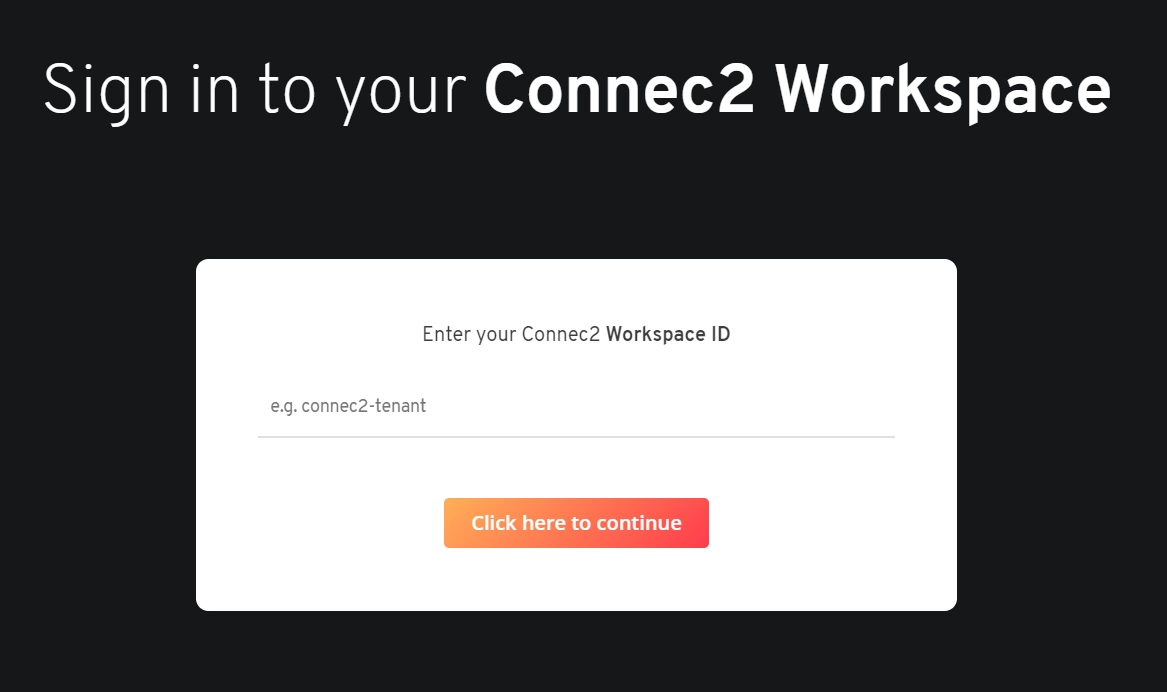
Go to the login page of our back-end:
https://connec2.app/nl/login
Enter your Workspace ID to continue.
Step 2 — Sign in with your account
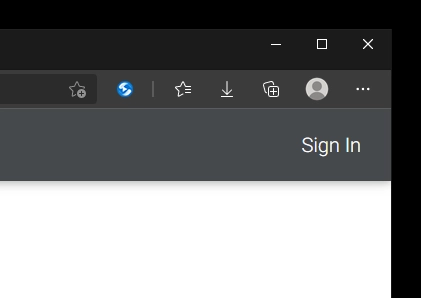
Click Sign In (top right) and log in with your Connec2 Account.
Step 3 — Open ‘My Profile’
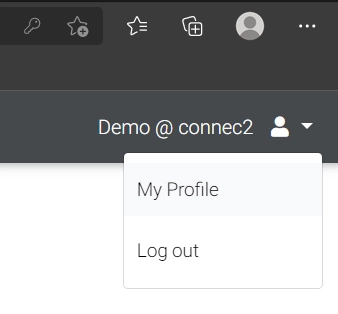
Once logged in, click your username (top right) and select My Profile.
Step 4 — View your personal information
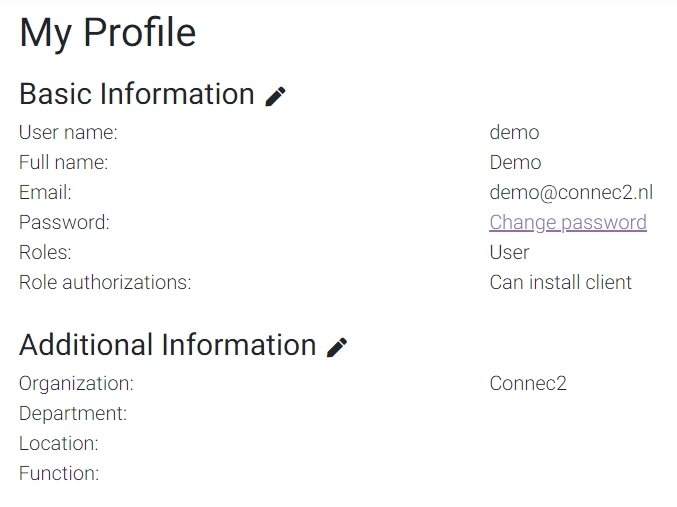
You’ll now see all your personal information available to you in Connec2.
Step 5 — Edit your profile information
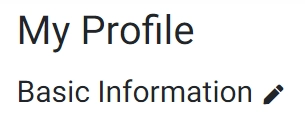
Click the little pencil icon under Basic Information or Additional Information to edit the corresponding fields.
Note:
Changing certain details (like your username or email) might cause authentication issues on your VR headset if it’s already linked to your account.
If you’re unsure what to modify, please contact your Connec2 contact person for assistance.
Laatst bijgewerkt op