Your model
Before you start, you need a 3D model.
Do you already have a 3D model?
There are multiple ways to open a model in Blender. Choose the option that fits your situation.
I have a .blend file
Already have a .blend file? Then it’s simple.
Open it via File → Open.
I have a .fbx, .obj, .gltf or .glb
Working with one of these file formats?
Drag your file into the 3D view and click Import.
Optional: Make sure your scene is empty first.
Delete the Camera, Cube, and Light objects by selecting them and pressing X on your keyboard.
I have a different file format
Is your format not listed? Then you’ll need to export it to a Blender-compatible format first.
Preferably choose:
.gltfor.glb.fbx.obj
Can’t export it? Check the options in your source software or contact us.
Use the example model
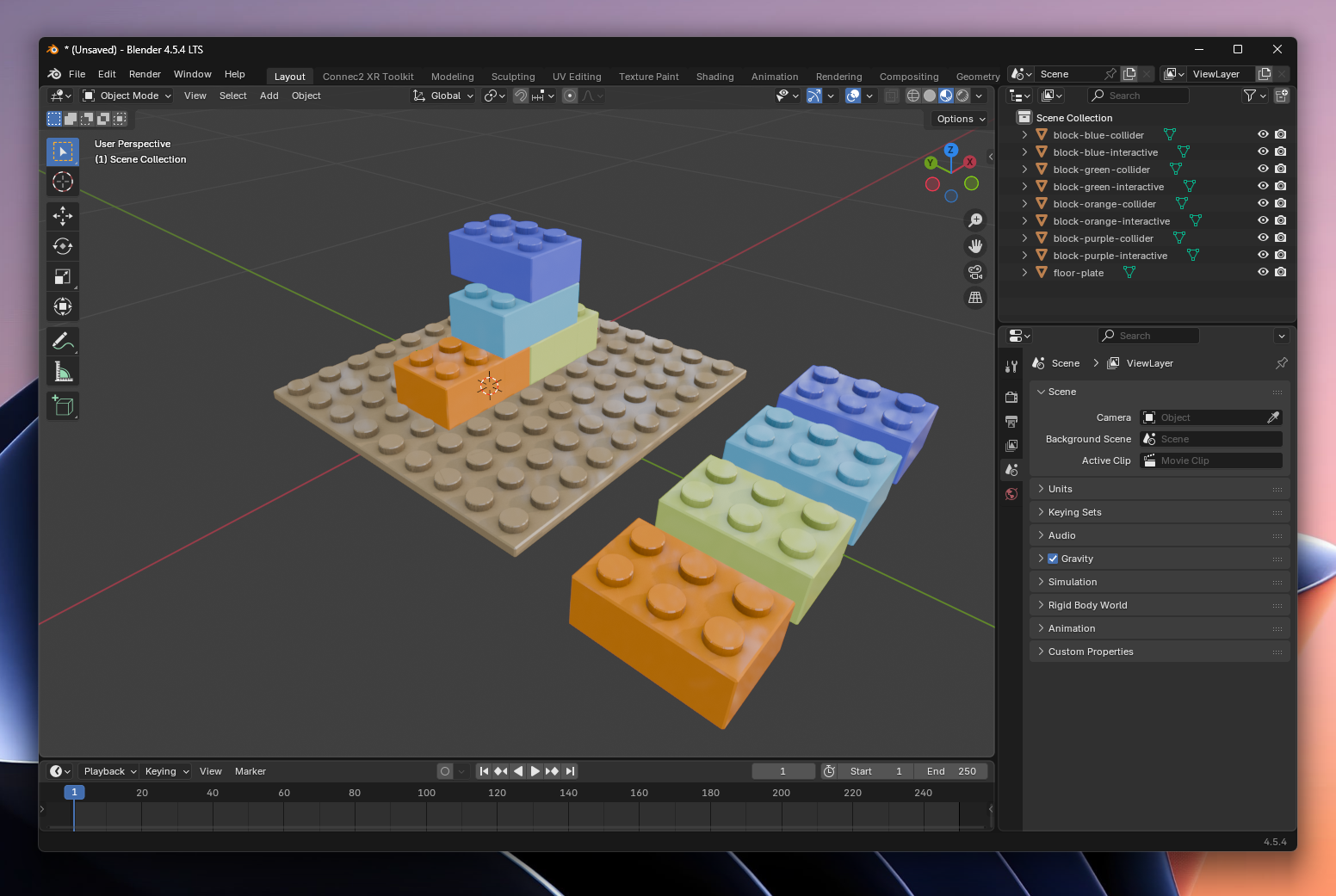
For now, you can also choose to use the example model. This model allows you to follow the full basic tutorial.
Click here to download the model: building-blocks.blend