The origin point
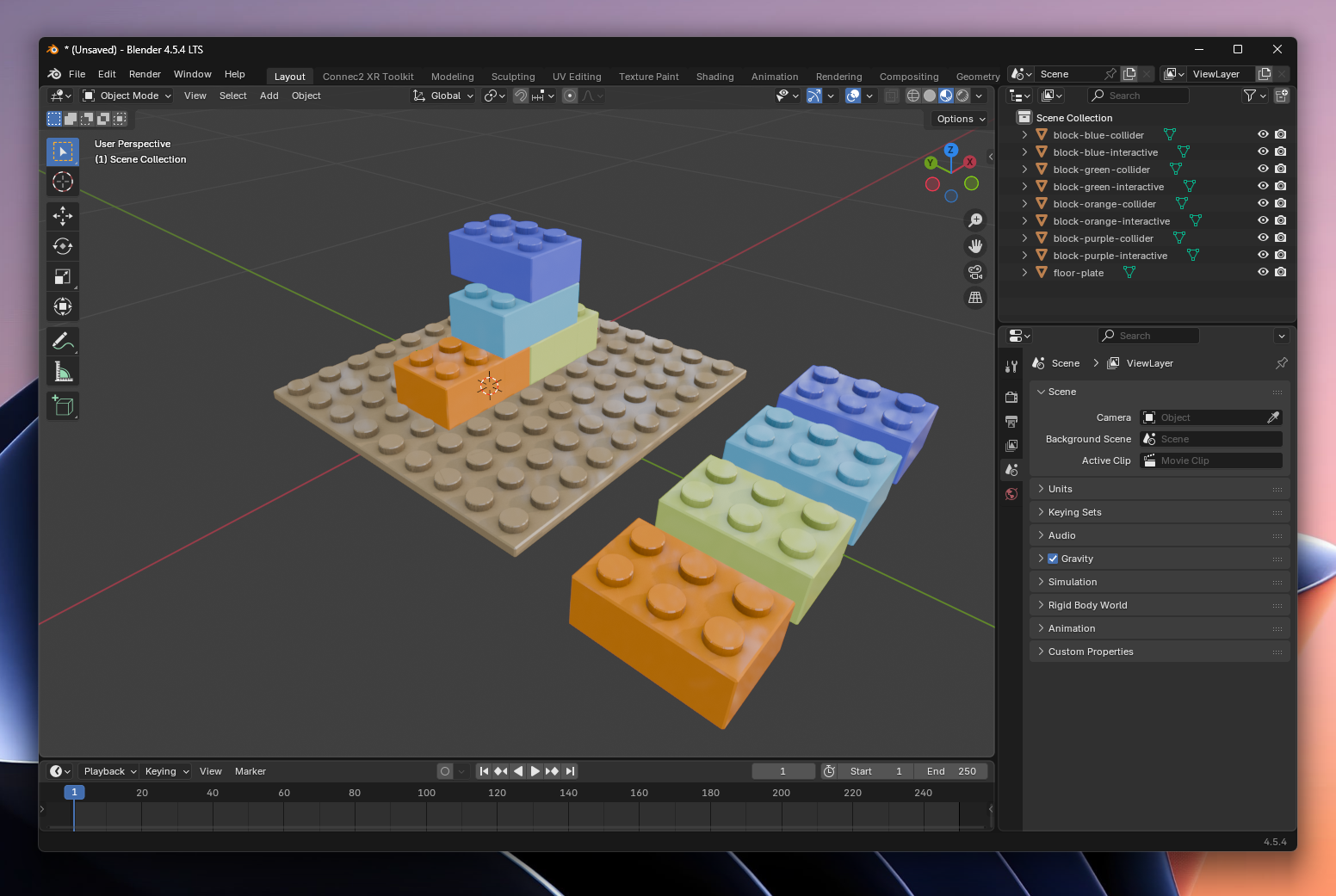
Before continuing, it’s important to understand the origin point of your model.
In Blender, this is the point (0, 0, 0) in the scene.
Why is this important?
In Connec2, this origin is used as the reference point for placing your content.
When you later load and calibrate your project in Mixed Reality, this point is used as:
- the starting point of your content
- the position where you place your scenario in the real world
If your model is not properly positioned around this point, your content may:
- appear in the wrong location
- feel offset in the space
- be harder to calibrate
How should your model be positioned?
Make sure that:
- Your model is built around the origin (0,0,0)
- The most important elements are near this point
- Your model is not positioned far from the center of the scene
Important to remember
You don’t need to fully understand how calibration works yet—that comes later.
For now, the key takeaway is:
The origin in Blender = the place where your content will be positioned in the real world.
Your model is now correctly positioned and ready for the next step.
Last updated on