Web portal
After exporting, go to the Connec2 Web Portal.
Here you manage and upload your projects.
Log in
Go to: https://connec2.app/en/login/
Enter your Workspace ID and click Continue.
Then log in with your Connec2 account.
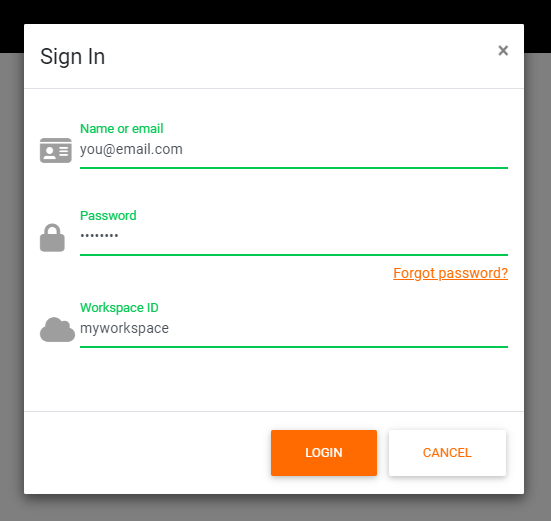
These are the same credentials you use to log in on the VR headset.
Where you land
After logging in, you will arrive on the Files page.
In the next step, you will upload your project here.
You are logged in and ready to upload your project.
Last updated on