Navigating in XR
In the XR Client, you navigate in VR by teleporting.
This means you instantly move yourself to another position within the virtual environment.
Teleporting
You can teleport in two ways: using controllers or hand tracking.
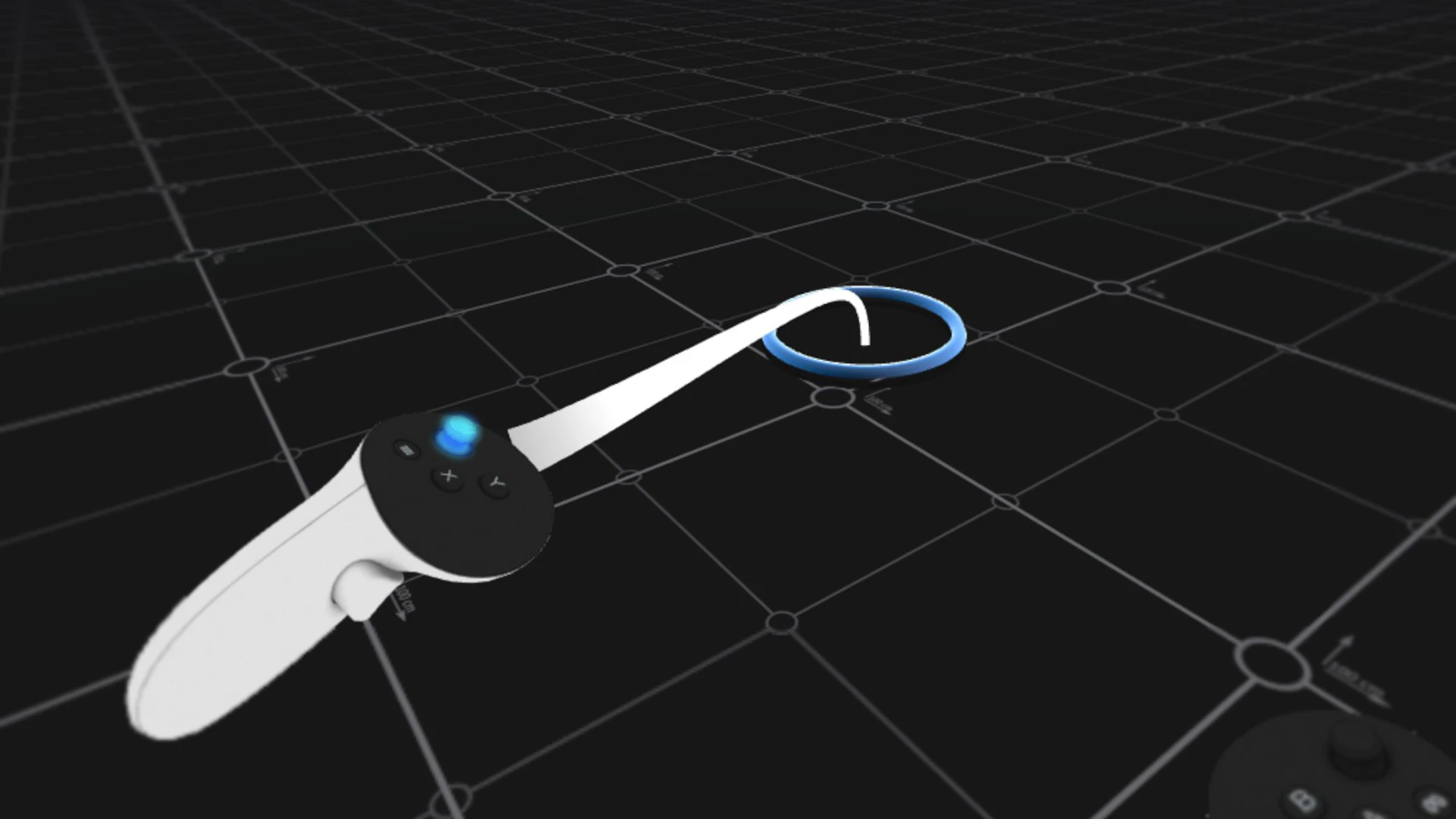
Using controllers
- Point your controller in the direction you want to go
- Push the thumbstick forward
- A line will appear with a circle on the ground
- Release the thumbstick to teleport
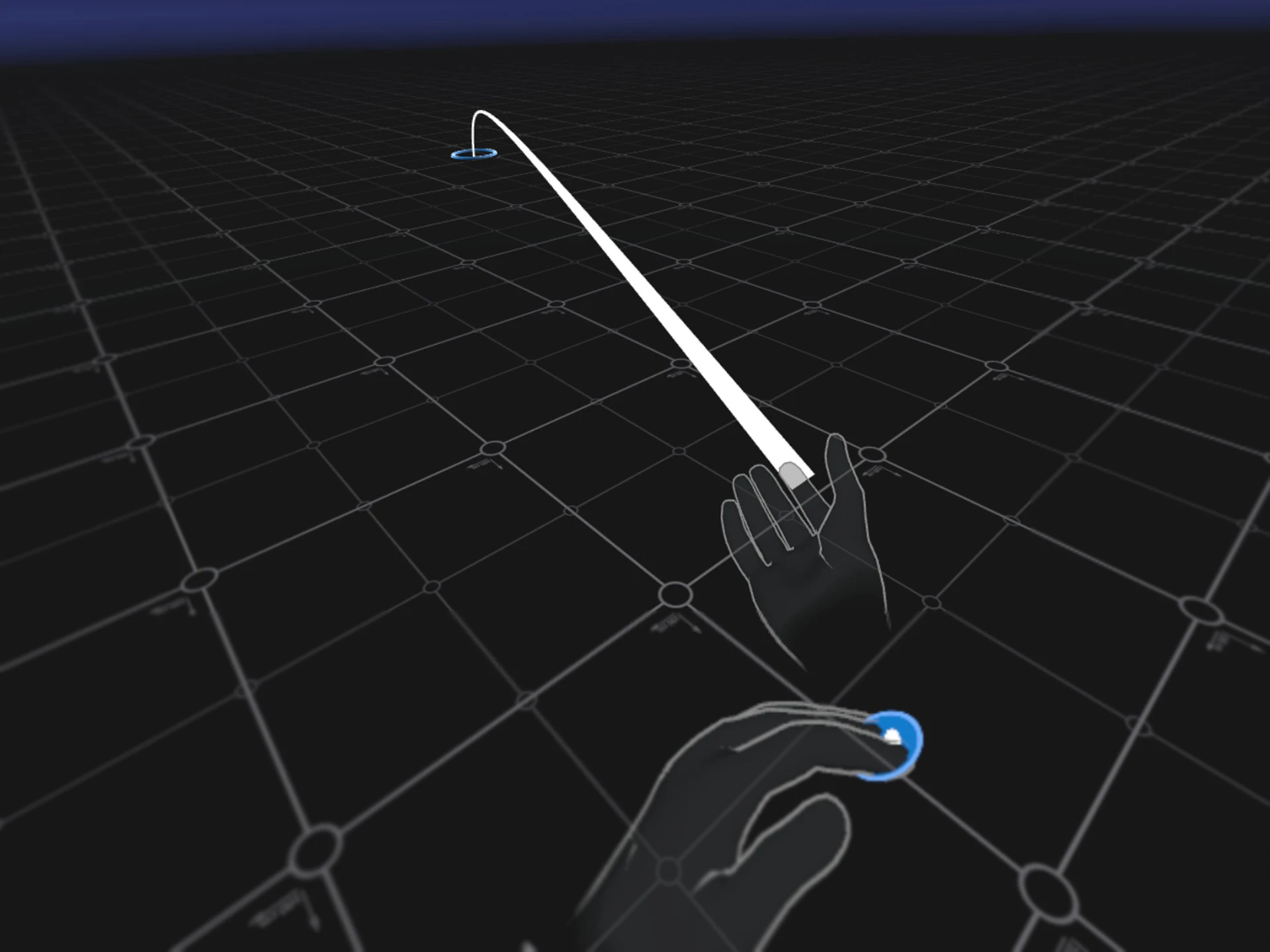
Using hand tracking
- Press and hold the button on your right forearm with your left hand
- Point your right arm toward the desired position
- A line will appear with a circle on the ground
- Release the button to teleport
Rotating
You rotate using the controller.
- Move the thumbstick left or right
- You will turn in small steps in that direction
Rotation is only available in VR mode.
Mixed Reality
In Mixed Reality, you don’t use teleportation.
Instead, you move physically through your space, while the virtual content remains fixed in place.
You now know how to navigate and move in XR.
Last updated on