Navigating on Windows
In the XR Client, you navigate on Windows by teleporting.
Navigation and rotation only work when no menu is open.
Teleporting
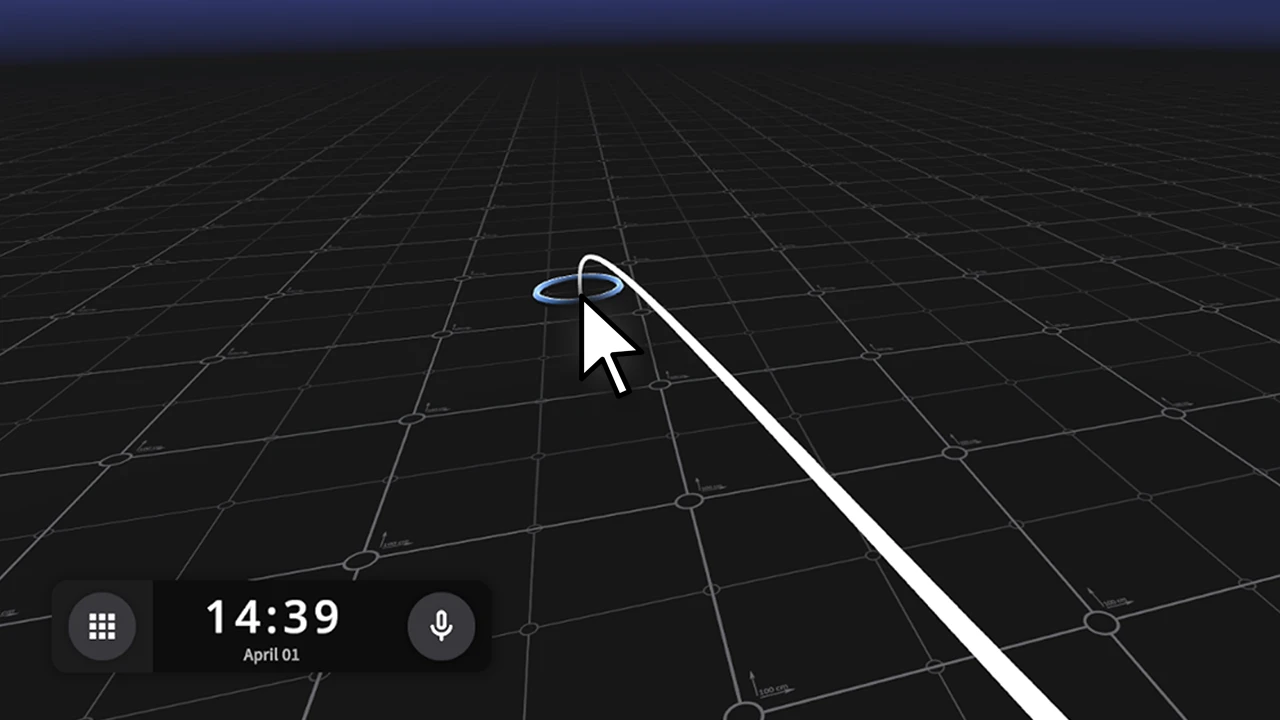
You move by clicking on a position in the environment.
- Point your mouse cursor at a navigable surface
- Hold the left mouse button
- A line will appear toward the position you are pointing at
- Release the mouse button to teleport
Rotating
You rotate by moving your mouse toward the edges of the screen.
- Move your cursor toward the left or right edge
- When your cursor gets close to the edge, the view will start rotating automatically
- Move your cursor away from the edge to stop
You now know how to navigate and move on Windows.
Last updated on