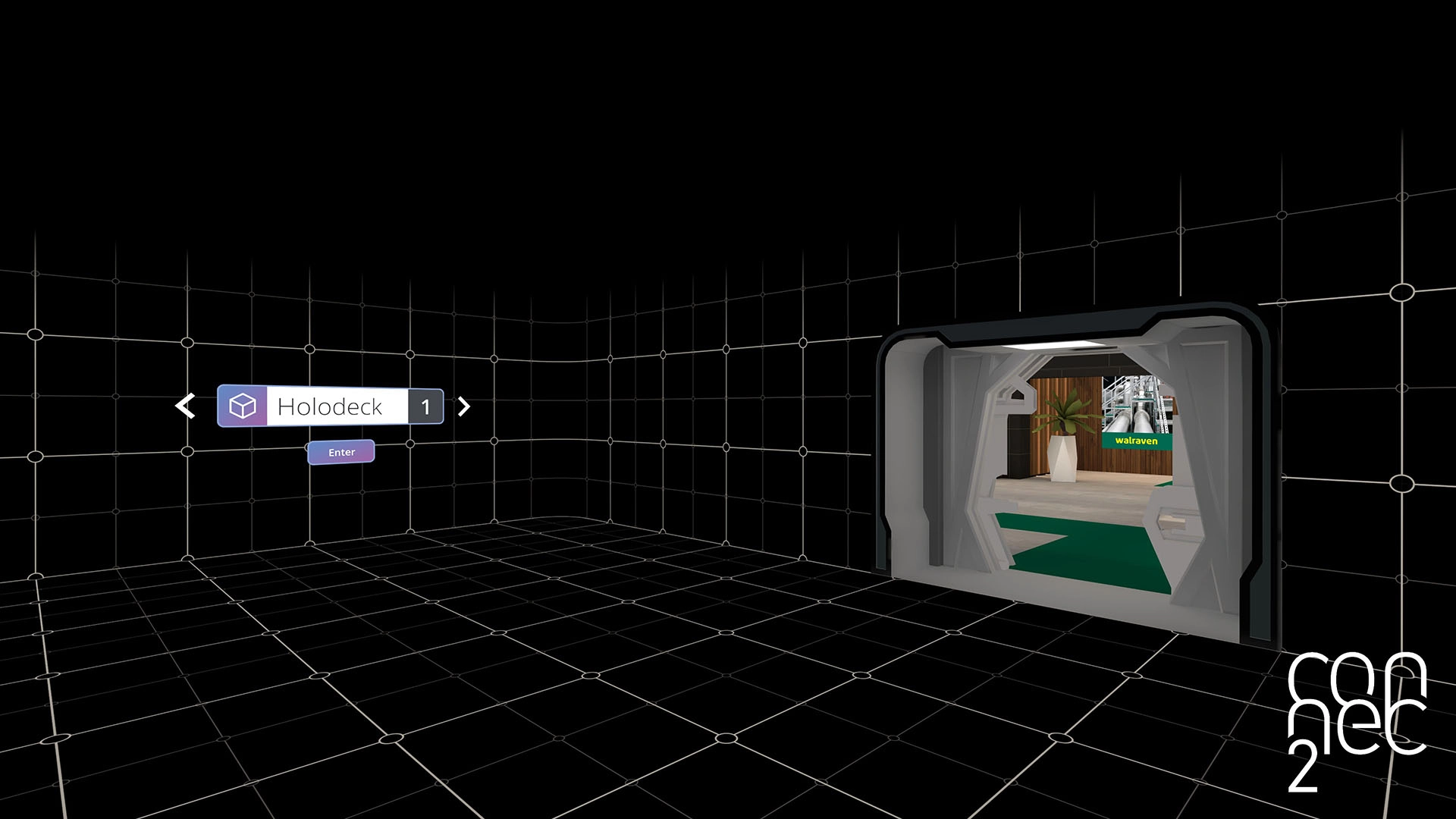
Index
Index is the virtual workspace within the XR Client.
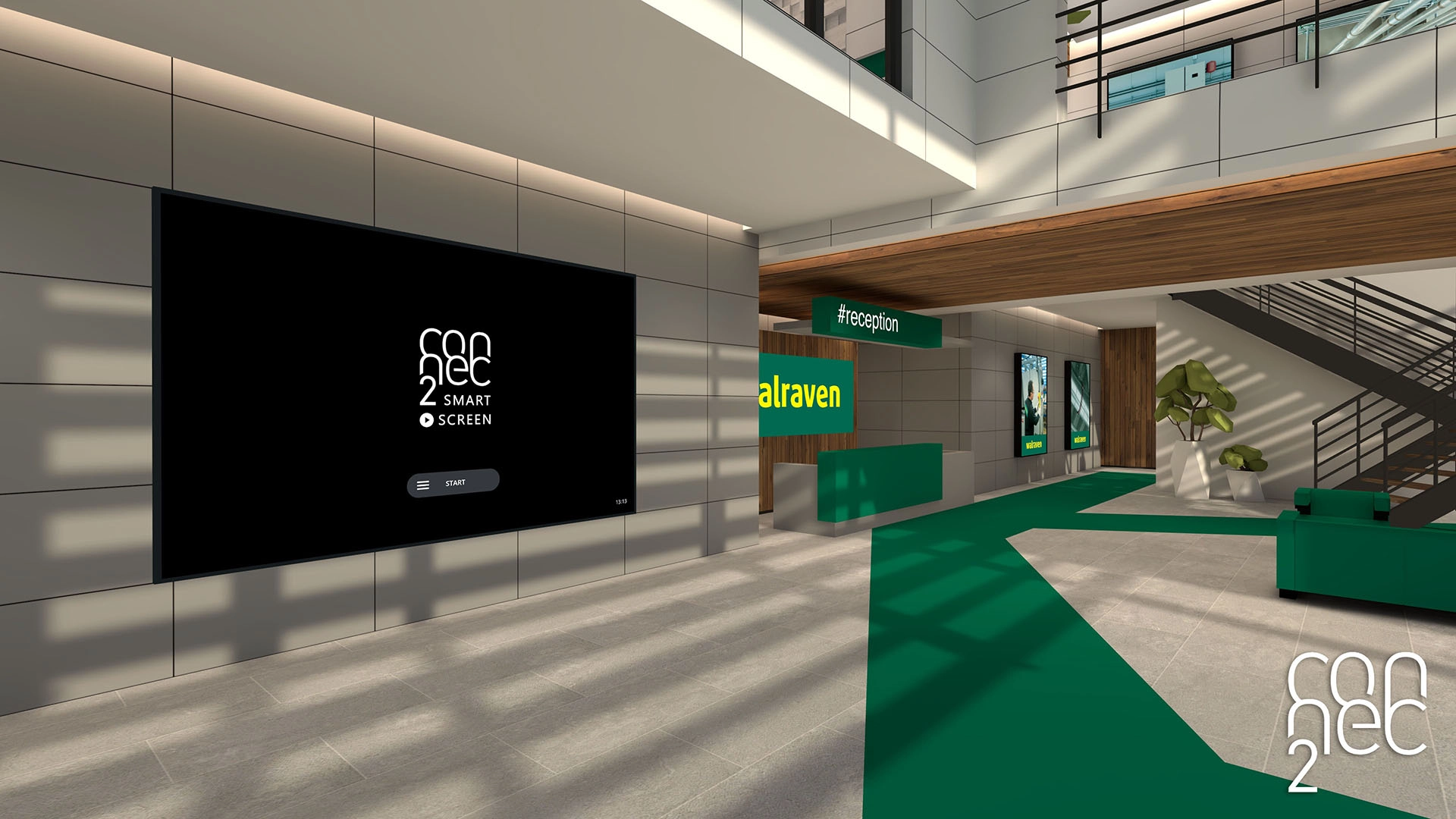
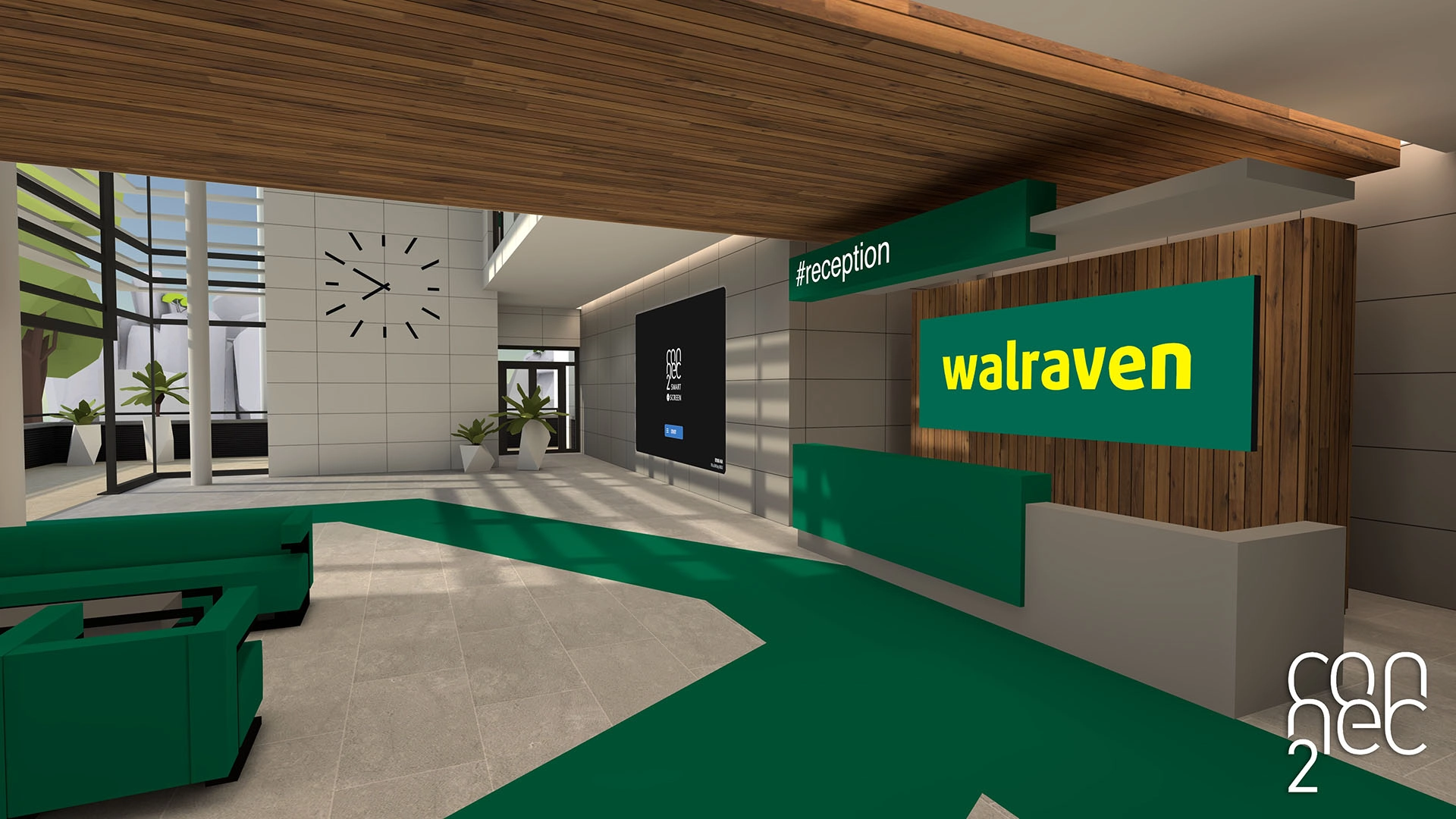
It is a building that serves as an overview of your environment, where you can find different spaces and activities.
Index is available in VR and on Windows (not in Mixed Reality).
What is Index?
Index is designed as a virtual building where you can:
- Explore different spaces
- View presentations and content
- Collaborate with others
You can think of it as a central hub within your workspace.
Entering Index
You usually start outside the building, giving you space to orient yourself before entering.
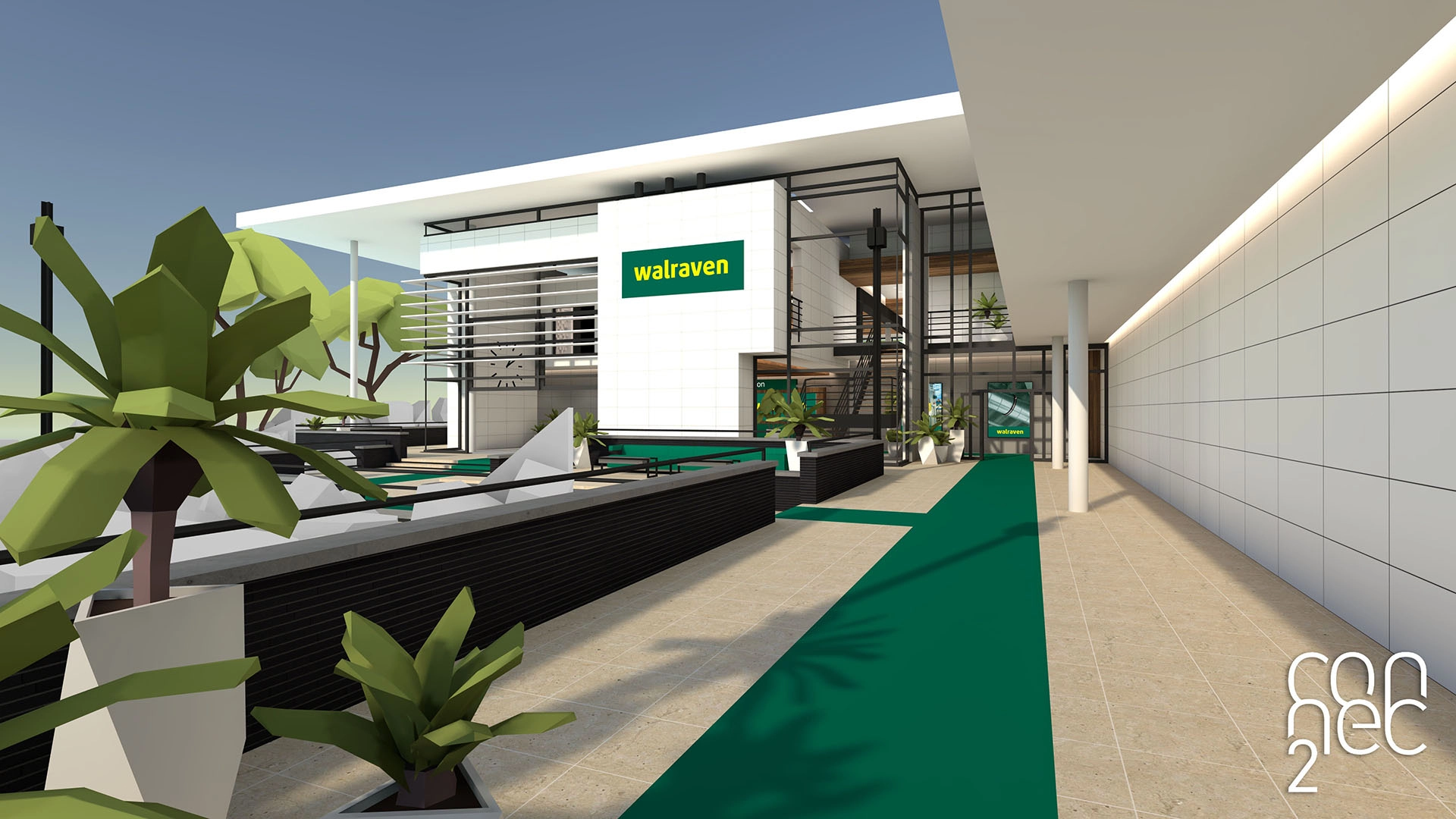
Navigating inside
From the outdoor area, you are guided toward the entrance.
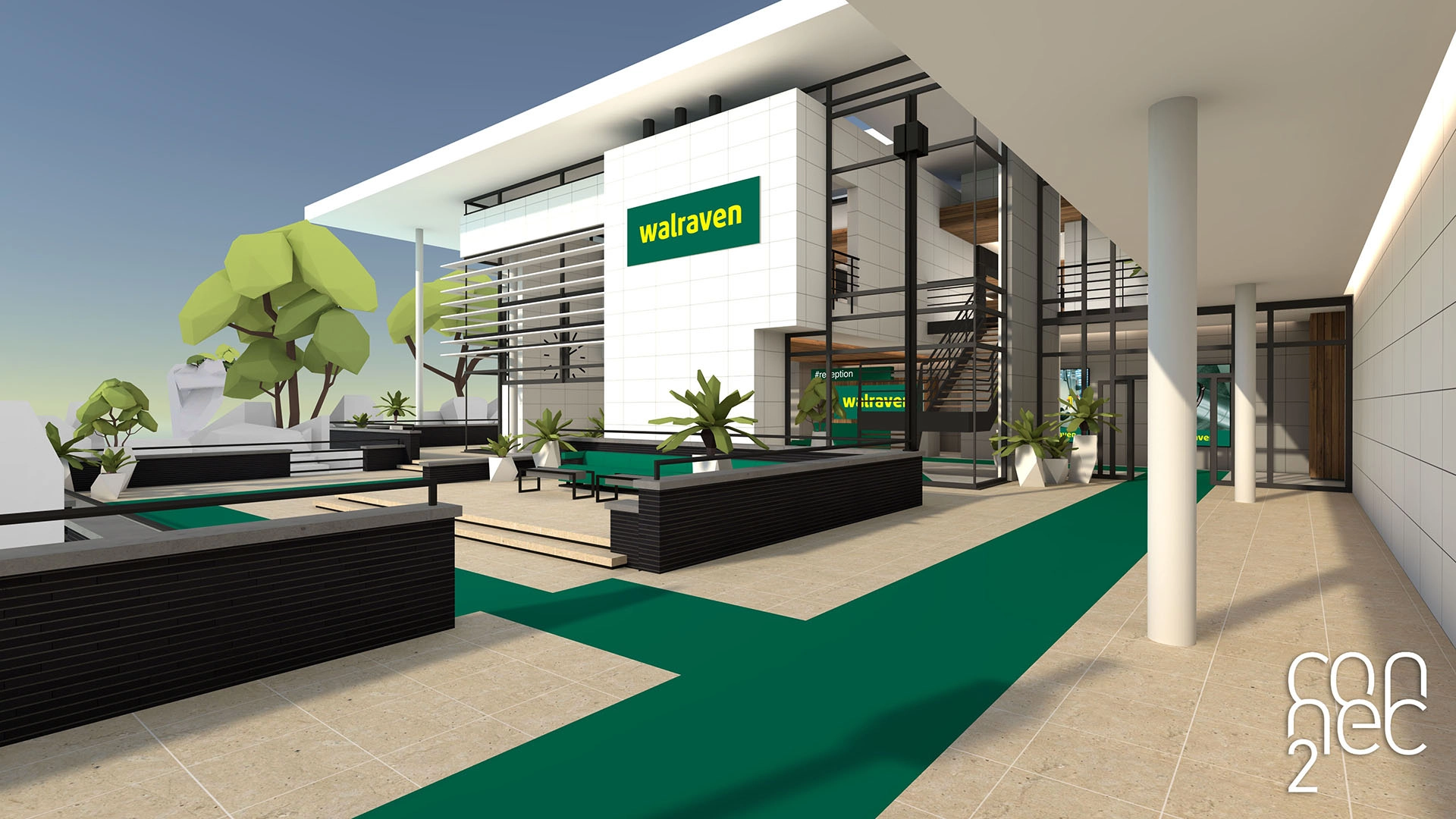
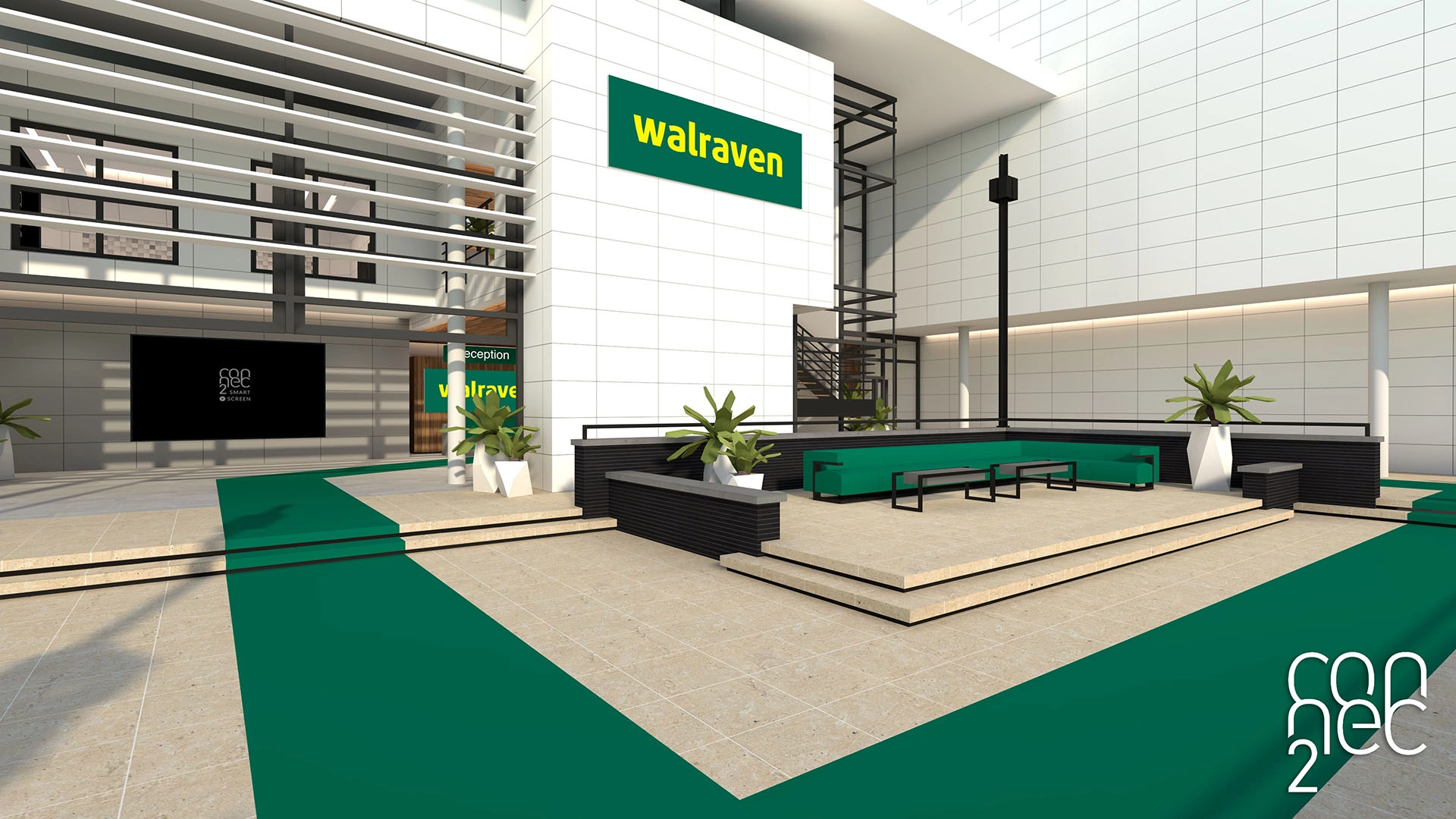
Once inside, you arrive in the first room with a Smart Screen for presentations.
Building layout
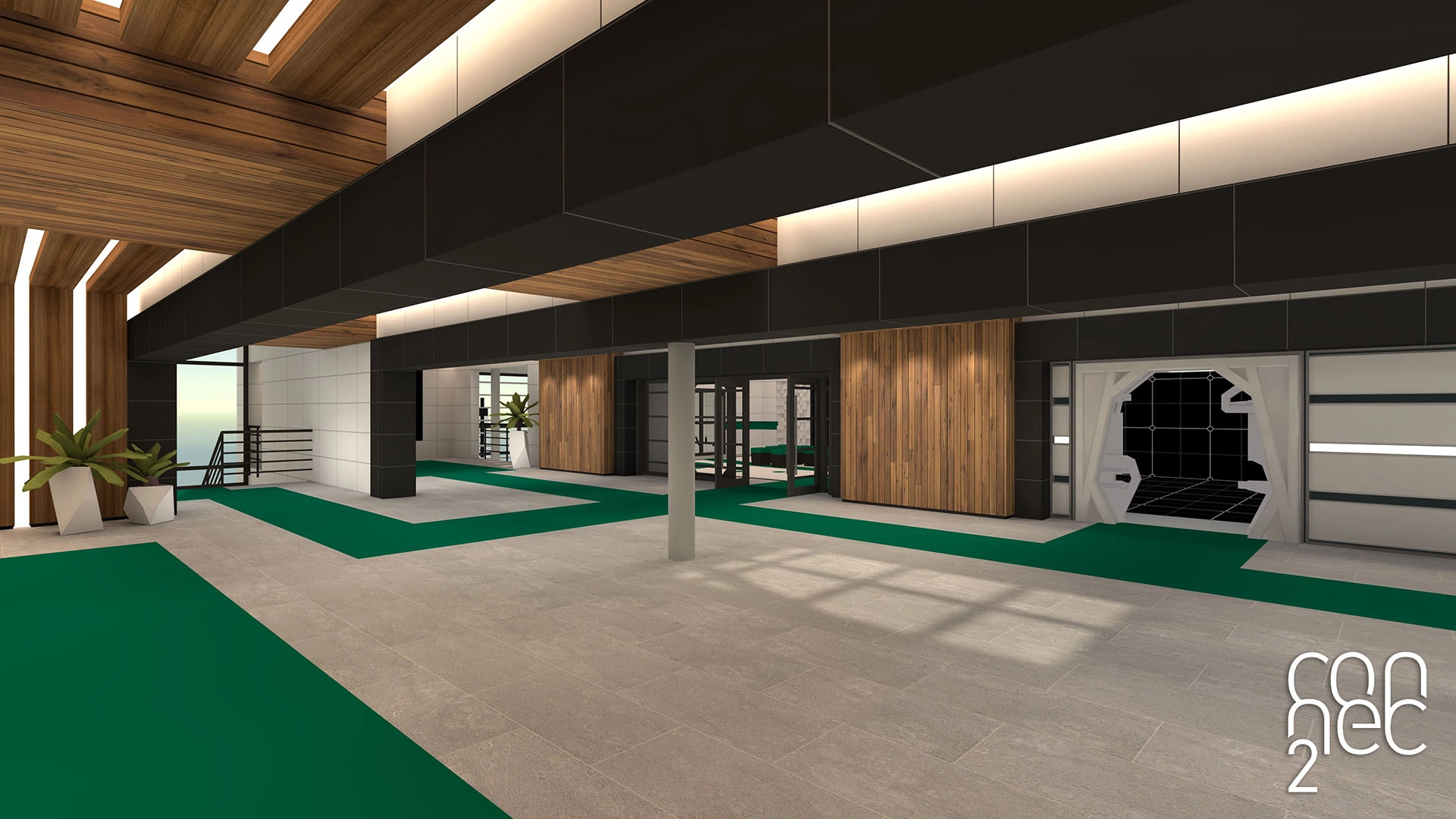
Index consists of multiple spaces, each with its own purpose.
Presentation rooms
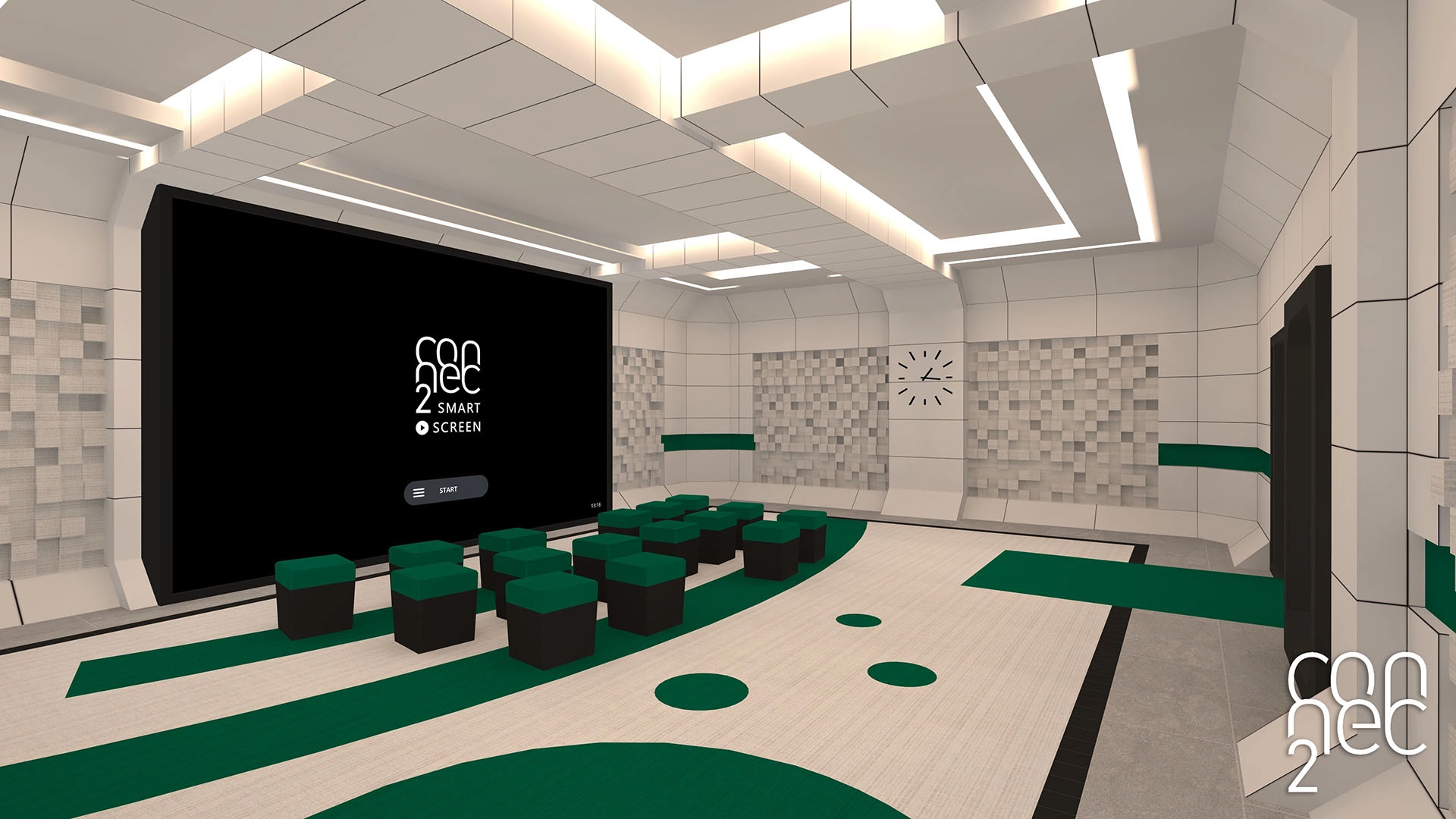
- Spaces with a Smart Screen
- Suitable for presentations and explanations
Collaboration spaces
- Flexible areas for smaller groups
- Suitable for meetings or breakout sessions
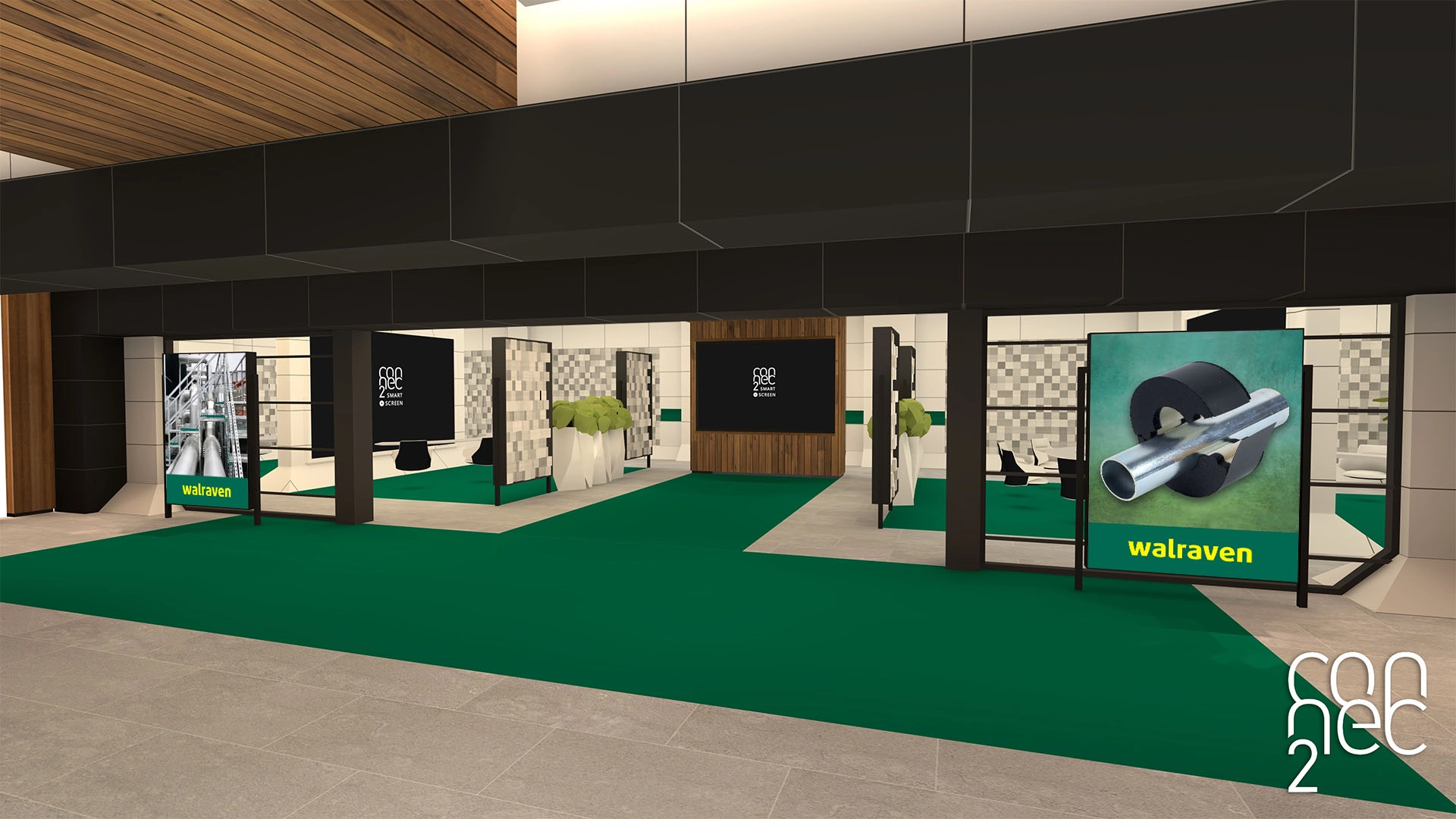
Open areas
- Informal spaces for quick interactions
- Often centrally located within the building
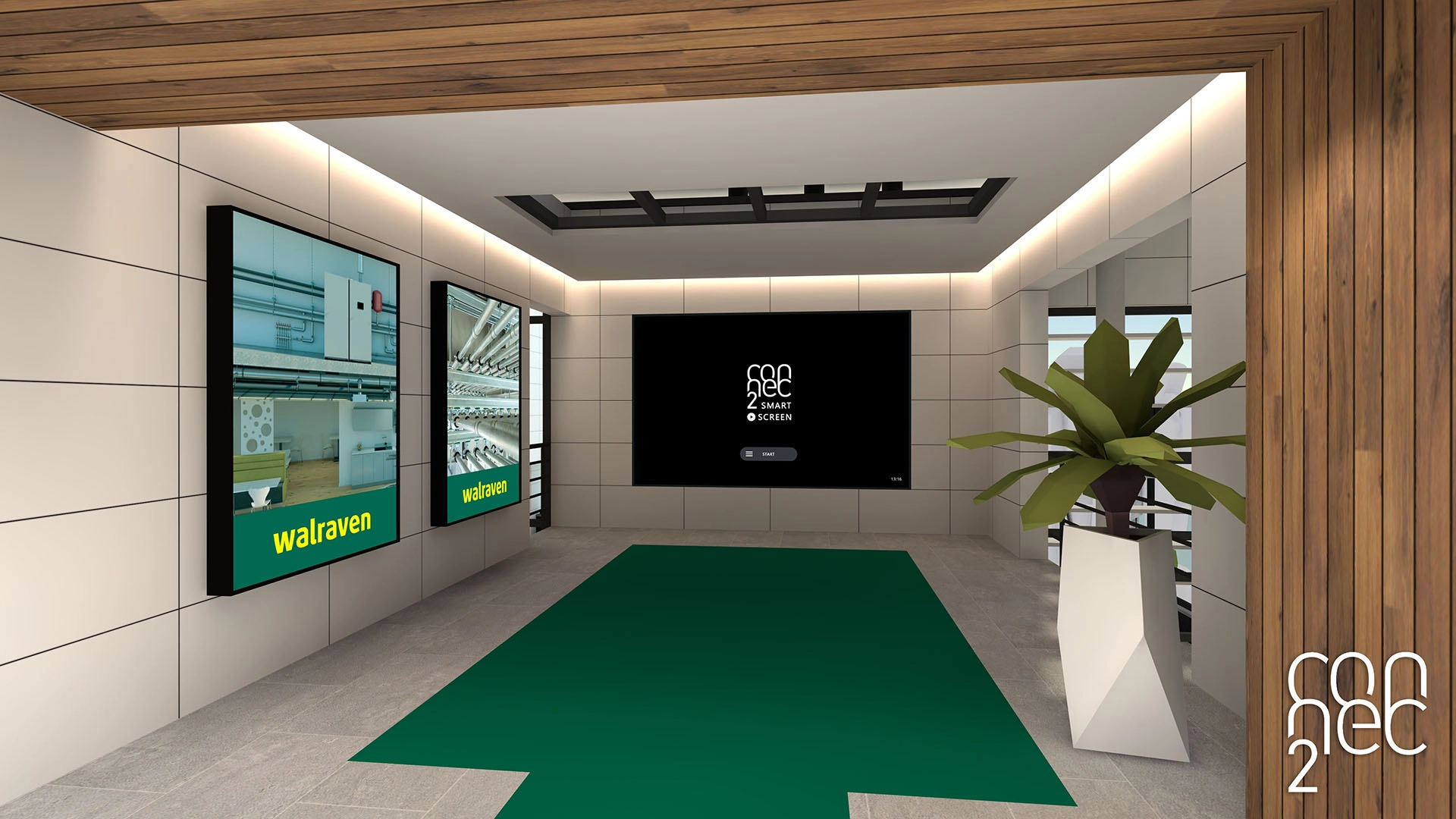
Metaspace
Within Index, you’ll also find the gateway to the Metaspace.
This is a large, open area where dynamic content can be loaded. If you are using the XR Toolkit, the Metaspace is where you can load the scenarios you’ve created.