Content
In the XR Client, you load content to view, test, or use your scenario.
This is done via the Explore app, where you can open projects from your workspace.
How does it work?
Content in Connec2 is loaded into the Metaspace—an empty environment where your project appears.
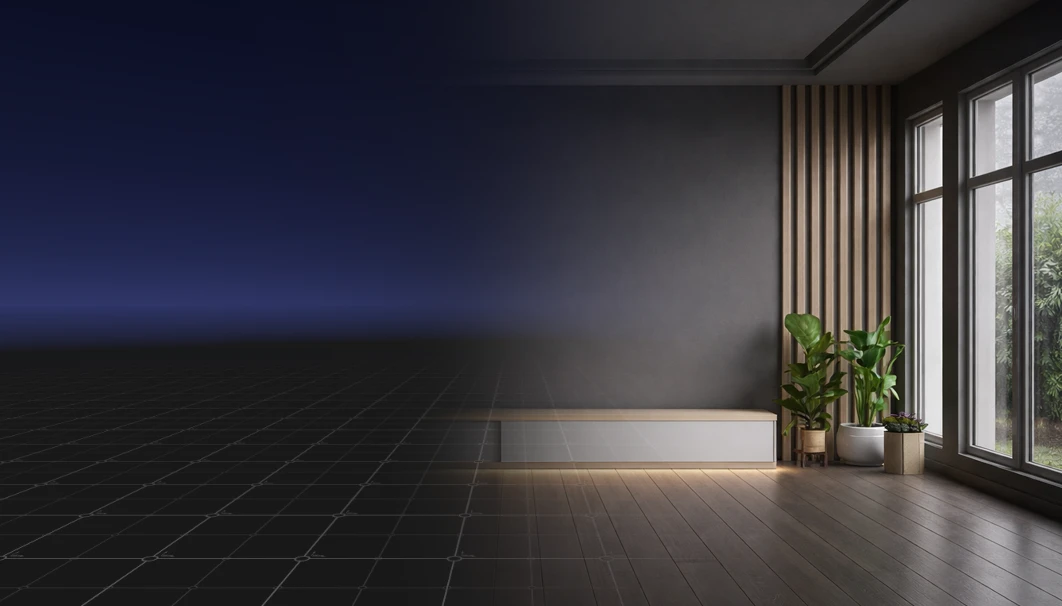
Content loaded here comes from your workspace and is only synchronized with other users within the same workspace.
Depending on your settings, you will work in:
- a Virtual Reality environment
- or a Mixed Reality environment
Here you can:
- manually load content
- replace content
- or automatically start with predefined content
What would you like to do?
Upload a model or project to your workspace.
Manually load a project via the Explore app.
Calibrate Mixed Reality content to anchor it in the real world.
Automatically load a project on startup.
You now know where to load and manage content in the XR Client.
Last updated on