Edit profile
You can manage your personal information via the Connec2 web portal.
Changing your email address or username may affect devices that are already linked to your account.
Updating your location or organization may determine which users and content you see in the virtual environment.
Not sure what you’re allowed to change? Contact your Connec2 representative.
Updating your details
First, log in to access your profile.
Sign in
Go to: https://connec2.app/en/login/
Enter your Workspace ID and click Continue.
Then sign in with your Connec2 account.
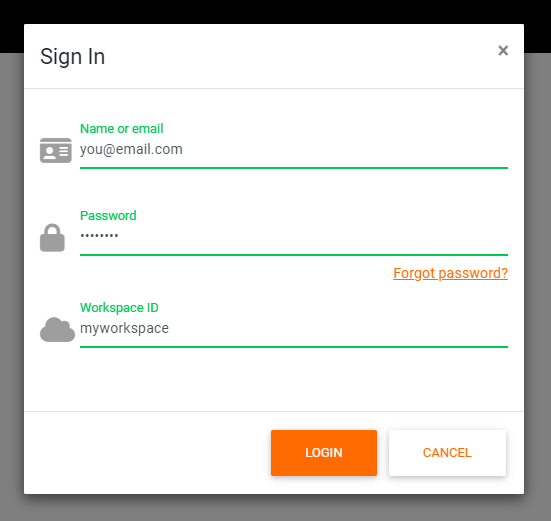
These are the same credentials you used to sign in on your VR headset.
Where you land
After signing in, you will arrive on the Files page.
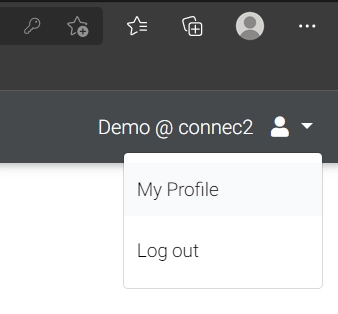
Open your profile
Click your username in the top-right corner and select My Profile.
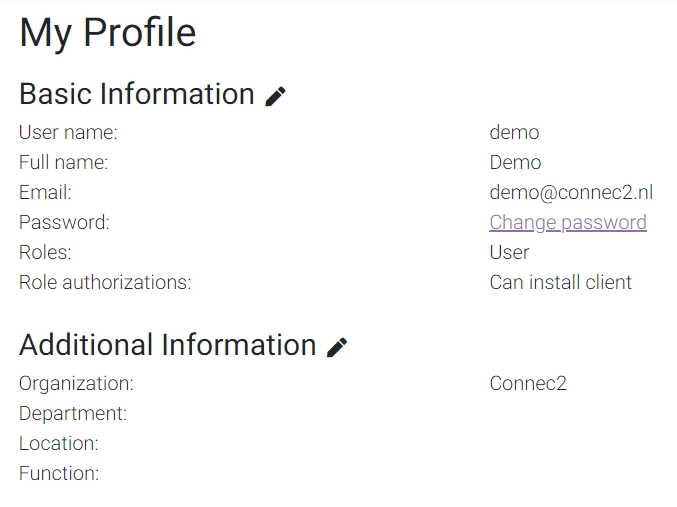
View your details
You will now see an overview of your personal details within Connec2.
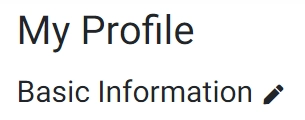
Edit your details
Click the pencil icon to update your information.
You now know how to view and update your profile.
Last updated on