Sign in
To use Connec2 Uplink, sign in with your Connec2 account.
Login panel
When you launch Connec2 Uplink, you will immediately see the login panel.
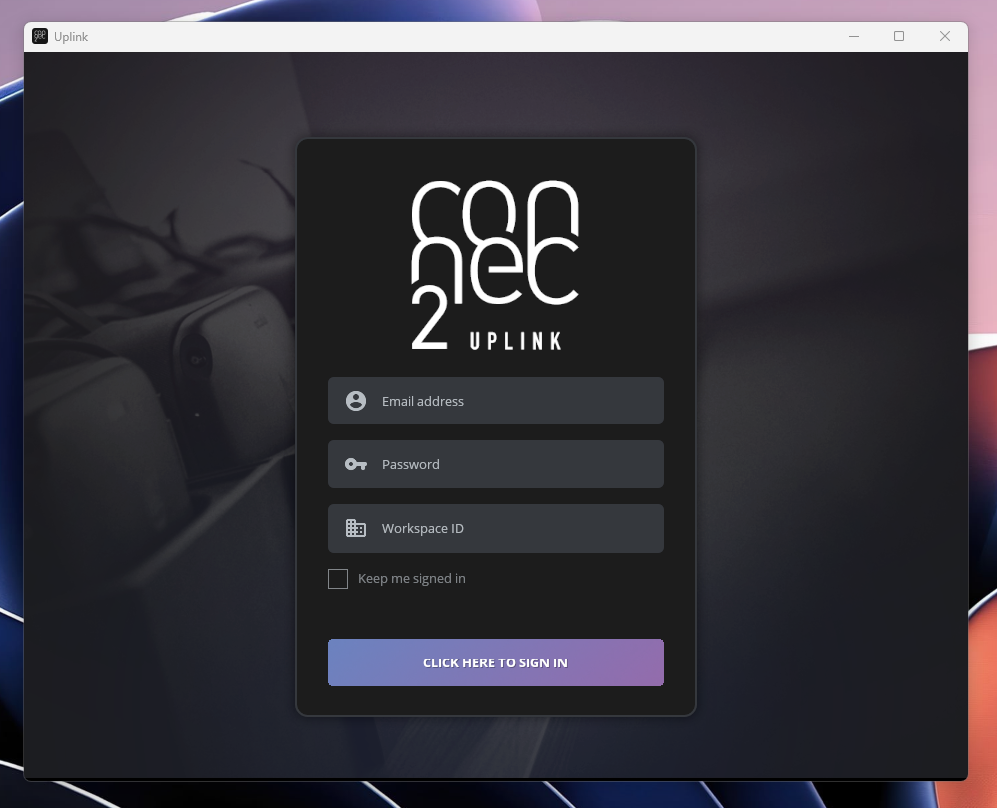
- Enter your username, password, and Workspace ID
- Click “Click here to sign in”
Optional: enable “Keep me signed in” to stay logged in
What can you do after signing in?
After signing in, you will have access to the features available in Uplink.
Which features are available depends on your account and workspace settings.
You are signed in and ready to use Uplink.
Last updated on