Corporate branding
With Connec2 Uplink, you can customize the appearance of your workspace to match your organization’s branding.
This helps create recognition and a consistent experience within the virtual environment.
You can find this functionality in Uplink under “Customize virtual environment”.
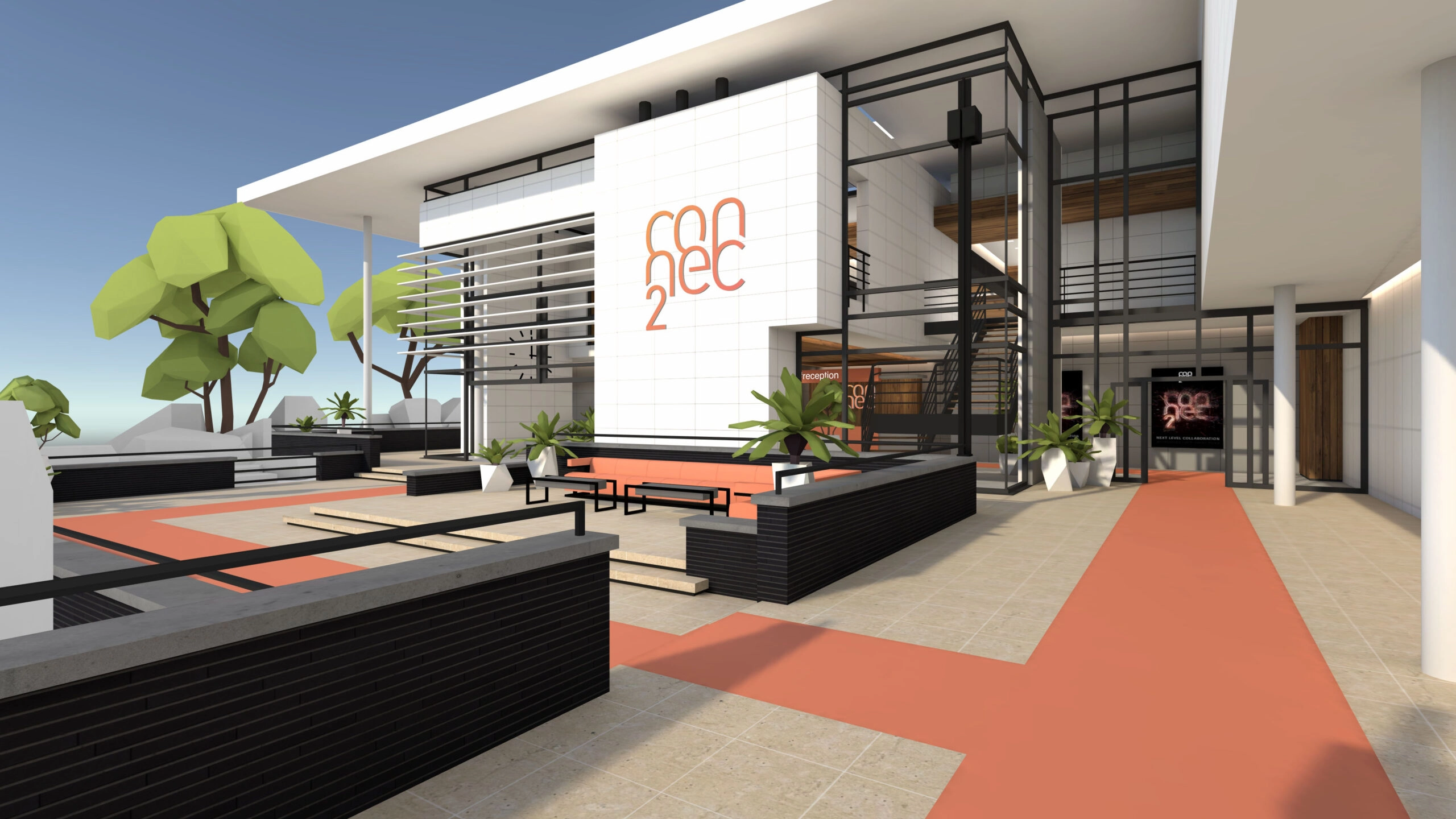
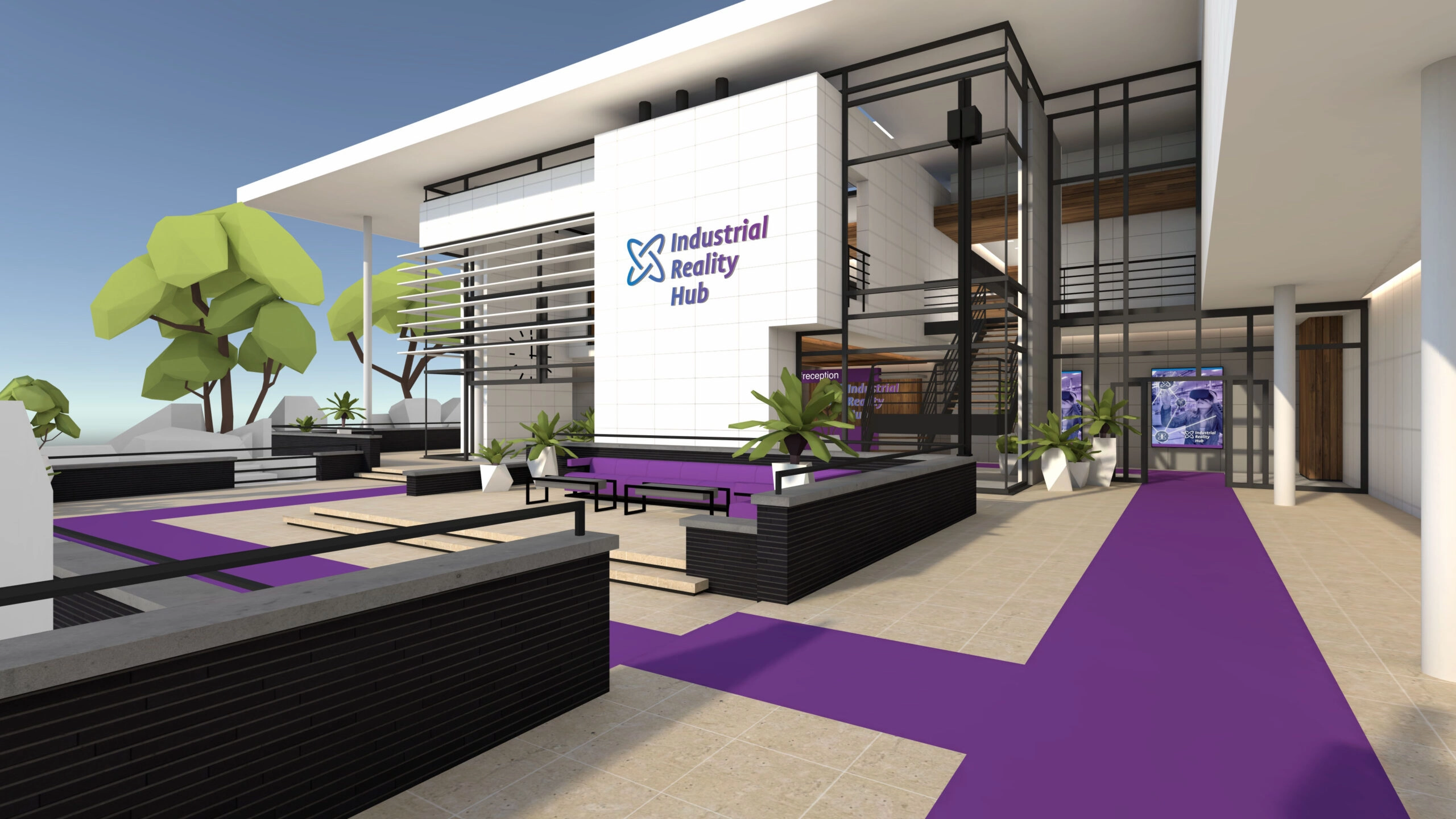
What can you customize?
You can configure various visual elements:
- Logo — upload as an
.svgfile - Color — set using a hex value (for example
#009FE3) - Visuals — add images (
.jpgor.png)
These elements are applied in different areas of your workspace.
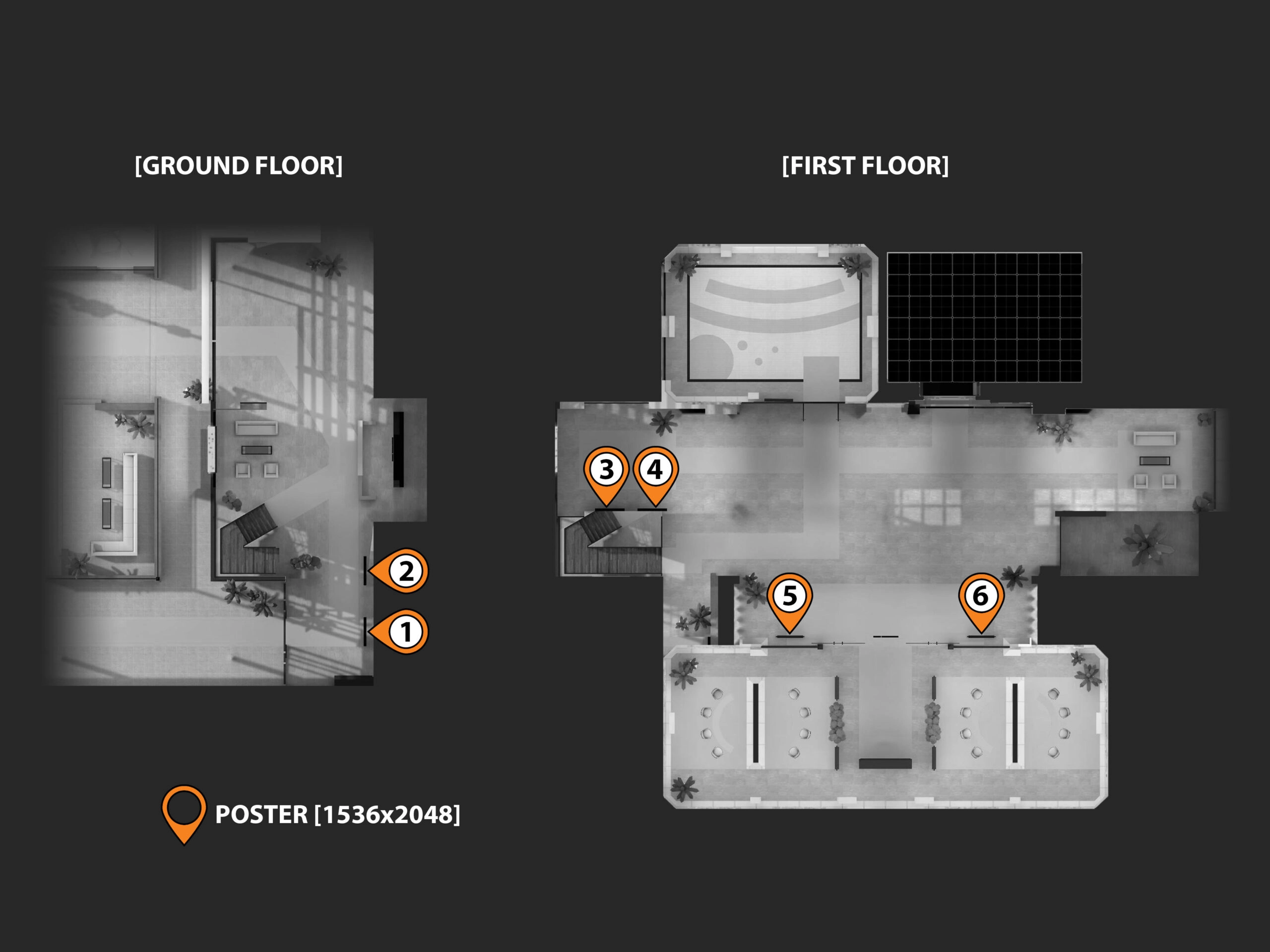
Where will you see this?
Your branding appears throughout the virtual environment, for example on:
- Smart Screens
- Walls
- Information panels
Tips
- Use a consistent color scheme and style
- Ensure text and visuals remain clearly readable
- Consider different lighting conditions in VR
You now know how to customize the branding of your workspace.
Last updated on