Connec2 Uplink
Connec2 Uplink is your personal connection to your private Virtual Workspace in the Connec2 Cloud.
If you haven’t installed it yet, see Uplink for Windows 10/11 (MSIX Installer).
Step 1 — Launch Connec2 Uplink
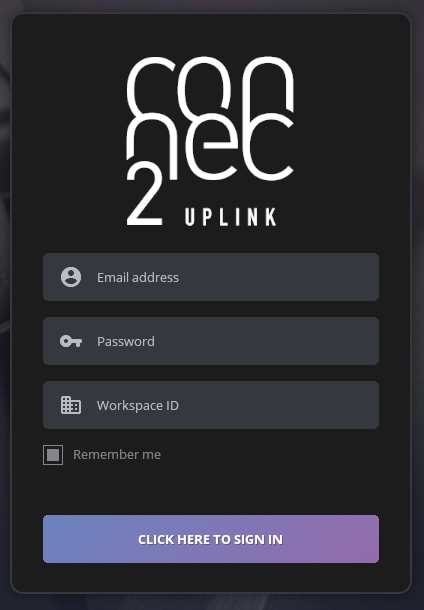
Start Connec2 Uplink and log in with your Connec2 Account.
Depending on the role assigned to you, you’ll see different options and tools.
Step 2 — Explore your available options
After logging in, you can access a range of features depending on your permissions.
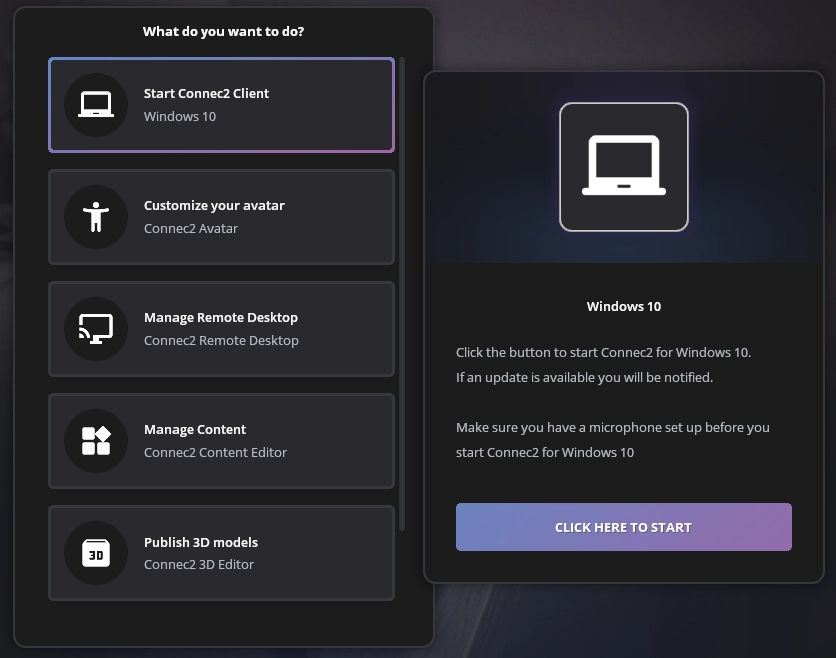
Available actions:
- Start Connec2 Client — if you don’t have your VR headset with you, launch the Windows 10 client.
- Customize your avatar — create a digital twin for better recognition in meetings.
- Manage Remote Desktop — share your Windows desktop on a Smart Screen in the virtual workspace.
- Manage Content — publish various types of content such as presentations or 360° images.
- Publish 3D models — upload 3D models to the Holodeck Space to explore or interact with.
Last updated on