Connec2 Connec2 Documentation Download Software Release Notes Blog
CTRL K
    CTRL K
      • Documentation
        • XR Toolkit
          • Installation
          • Getting Started
            • Your model
            • Workspace layout
            • The first step
            • Building logic
          • Export and publish
            • Exporting
            • Web portal
            • Uploading
            • Load in VR
          • Building Blocks
            • Animation
            • AR Button
            • Audio
            • Calibrate Button
            • Collider
            • Content Loader
            • Interactive
            • Label
            • Line
            • Mesh Renderer
            • Navigation Blocker
            • Navigation
            • Prop
            • Start
            • Timer
            • Toggle Group
            • Touch
            • Transform
            • VR Button
        • XR Client
          • Installation
            • Connec2 Client
            • Connec2 Uplink
          • Account
            • Avatar
            • My Profile
          • Connec2 Uplink
            • Start Connec2 Client
            • Customize your avatar
            • Manage Remote Desktop
            • Manage Content
            • Publish 3D models
          • Tutorials
            • Avatar
              • Change avatar name
              • Create your avatar
            • Connec2 3D Editor
              • Introduction
            • Connec2 Client
              • Oculus Quest Controls
              • Virtual Workspace
            • Content Manager
              • Publish your presentation
            • Network
              • Network Speedtest
          • Brand
          • Admin
            • Security
            • DNS & Whitelisting
            • Account management
          • Event Attendence
        • Platform Infrastructure
      • Blog
      • Download Software
      • Release Notes
        • XR Toolkit
      • English
      • Nederlands
      • Light

      • Dark

      • System

      Connec2 Documentation

      Get started with Connec2

      Everything you need to build, manage, and experience content in XR with Connec2.

      Browse documentation

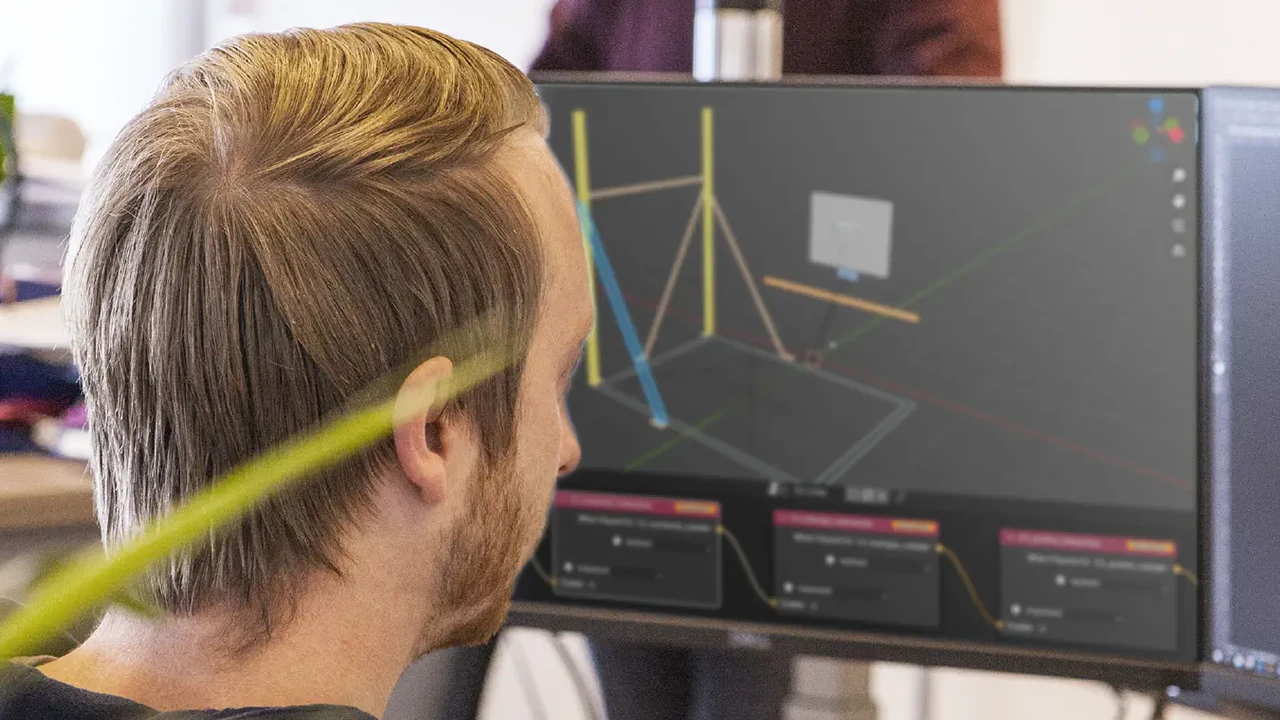
      XR Toolkit

      Learn how to build interactive scenarios in Blender and export them to Connec2.
      XR Toolkit

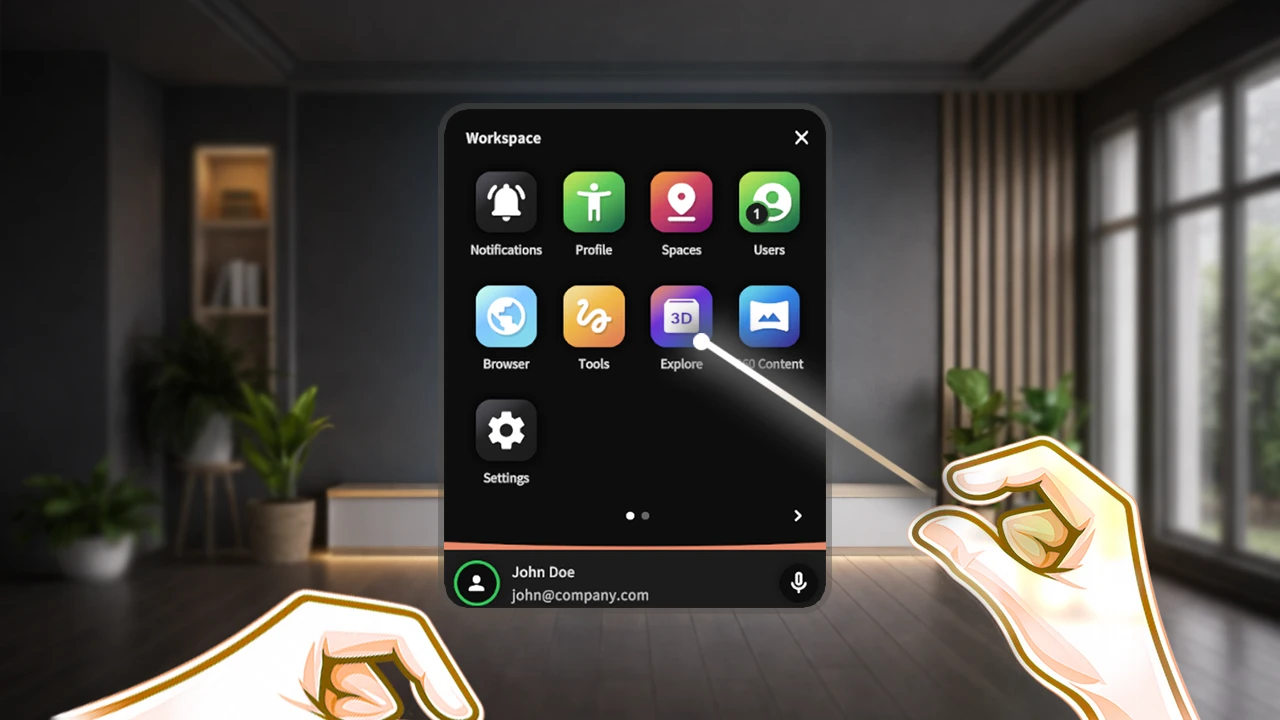
      XR Client

      Learn how to open and interact with content in the Connec2 app on XR devices and Windows.

      XR Client

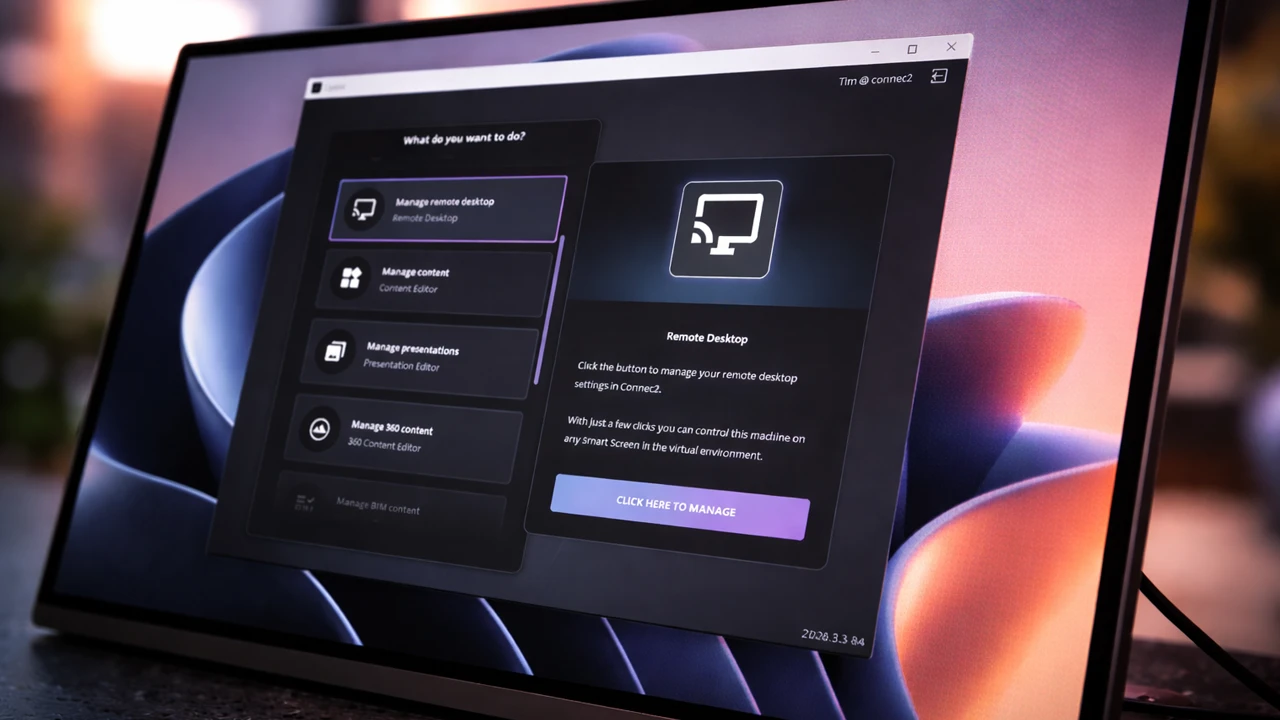
      Download software

      Get the latest installers and tools for the Connec2 platform.

      Download software
      ← Back to connec2.app
      • English
      • Nederlands
      • Light

      • Dark

      • System